Kadence vs Astra (2026): Hands-On Comparison of Free, Pro, Ecosystem and Updates

Tutorials & Insights
Disclosure: I earn a commission if you buy Kadence or Astra through the links on this page, at no extra cost to you. Both vendors are compared on the same terms, and nothing here was paid for or reviewed by either company.
Kadence and Astra are still the two themes most WordPress builders shortlist. Both are classic Customizer themes with a drag-and-drop header and footer builder, both have a large free version, and both sell a Pro add-on plus a bundle of companion plugins. But a lot changed in 2025 and 2026: Kadence moved under Liquid Web and Nexcess and changed every plan, Astra shipped an AI site builder and split its Spectra block plugin in two, and the two themes now update at very different speeds.
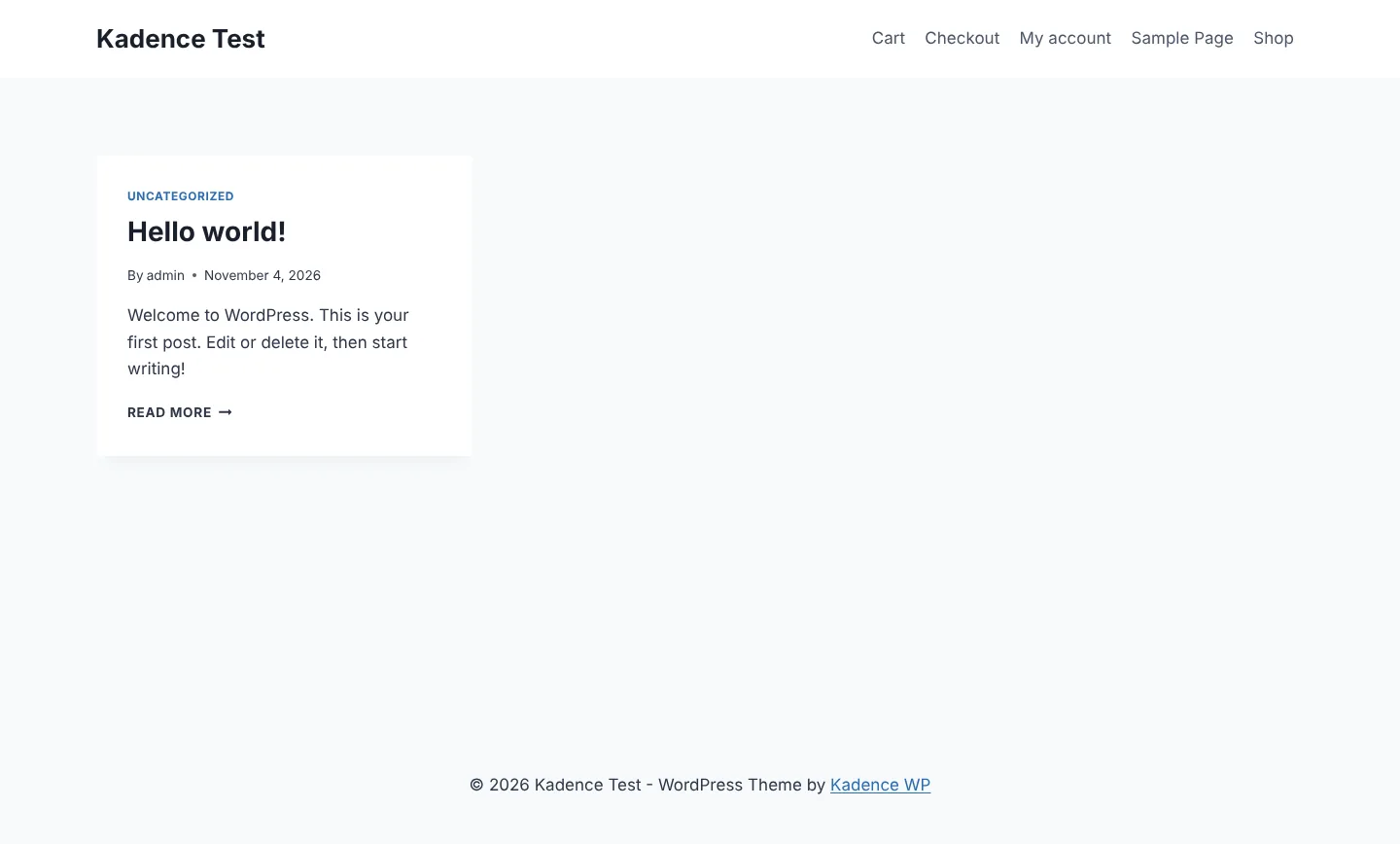
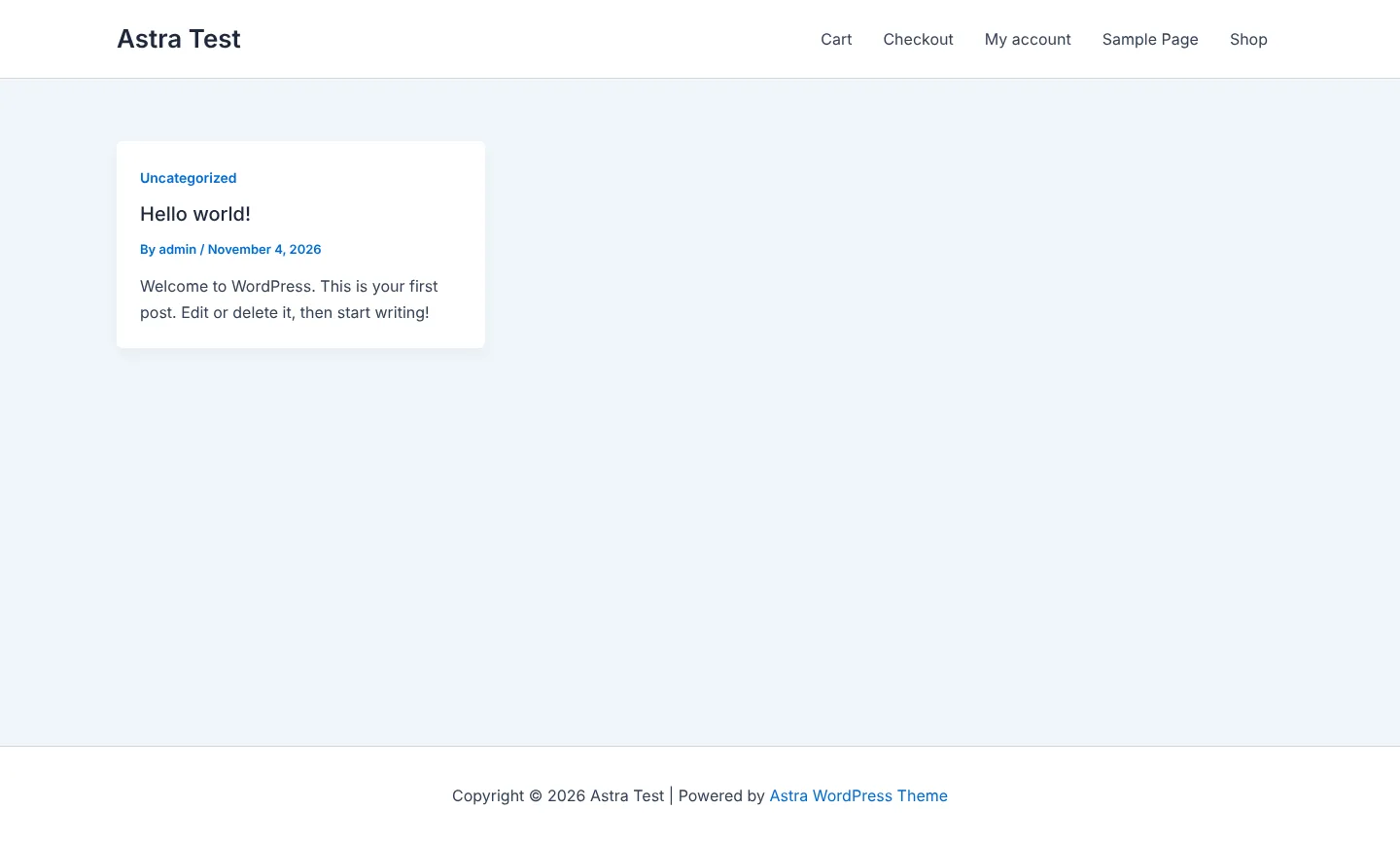
For this update I installed both themes side by side on fresh WordPress 7.1.4 sites (PHP 8.3, WooCommerce active on both), with Kadence 1.5.2 + Kadence Theme Kit Pro 1.2.7 and Astra 4.14.2 + Astra Pro 4.13.12, the current versions on 4 November 2026. Every screenshot below comes from those test sites, and every number has its source next to it.
| Kadence | Astra | |
|---|---|---|
| Developer | Kadence WP, owned by Liquid Web / Nexcess (formerly StellarWP) | Brainstorm Force (independent) |
| Free theme version | 1.5.2 (24 Jul 2026) | 4.14.2 (29 Oct 2026) |
| Pro add-on version | Kadence Theme Kit Pro 1.2.7 (26 Oct 2026) | Astra Pro 4.13.12 (29 Oct 2026) |
| Free theme releases in last 12 months | 9 | 28 |
| Active installs (wordpress.org) | 500,000+ | 1 million+ (the maximum wordpress.org shows) |
| Rating (wordpress.org) | 4.87 / 5 from 456 ratings | 4.91 / 5 from 6,554 ratings |
| Accessibility-ready tag | Yes (WCAG 2.2 AA claim) | No |
| Header and footer builder | Free, Pro adds 19 elements + conditional headers | Free, Pro adds sticky options and extra elements |
| Custom layouts / hooks | Pro: Hooked Elements | Pro: Site Builder |
| Starter templates | 200+, block editor only | 300+, block editor, Elementor and Beaver Builder |
| Cheapest paid option | $299/year (Pro plan) | $69/year or $249 lifetime (Astra Pro) |
| Refund window | 30 days | 14 days |
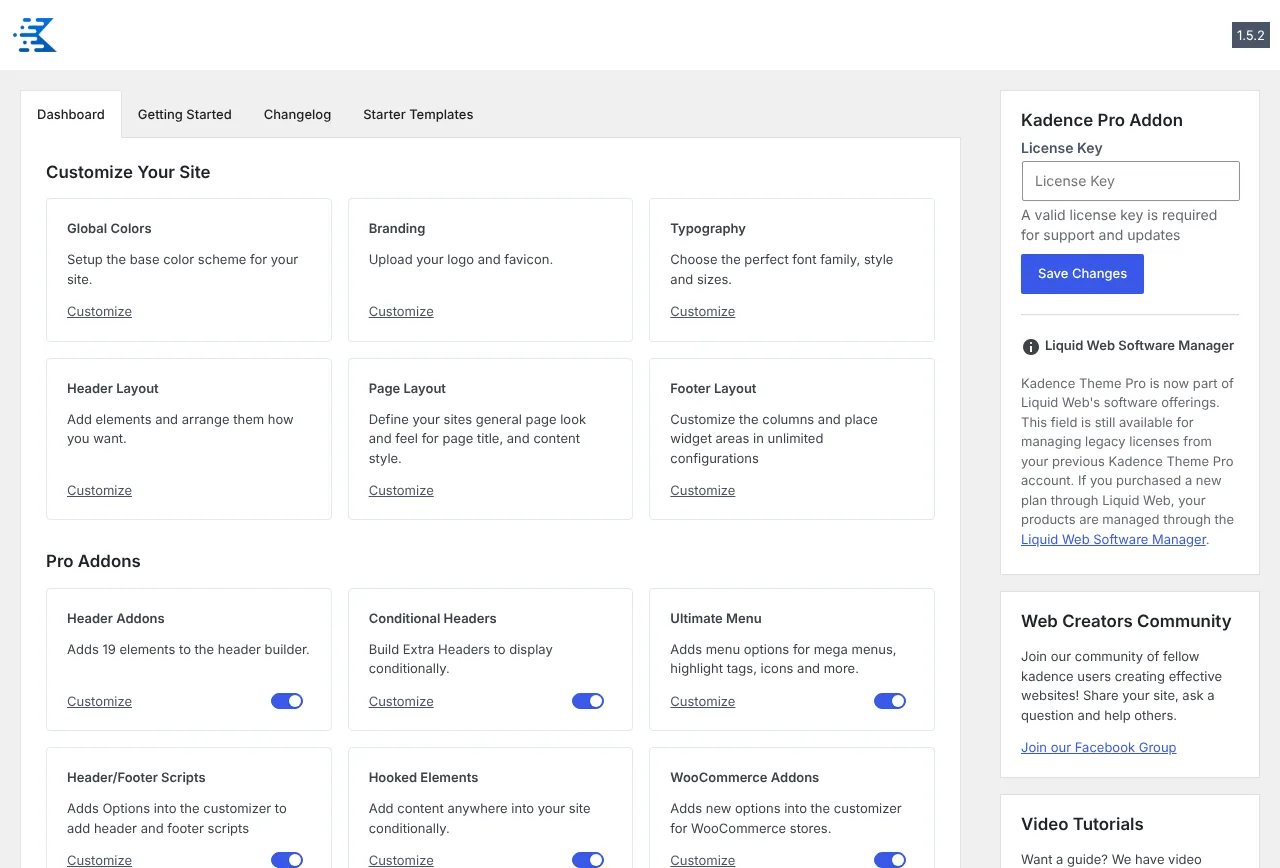
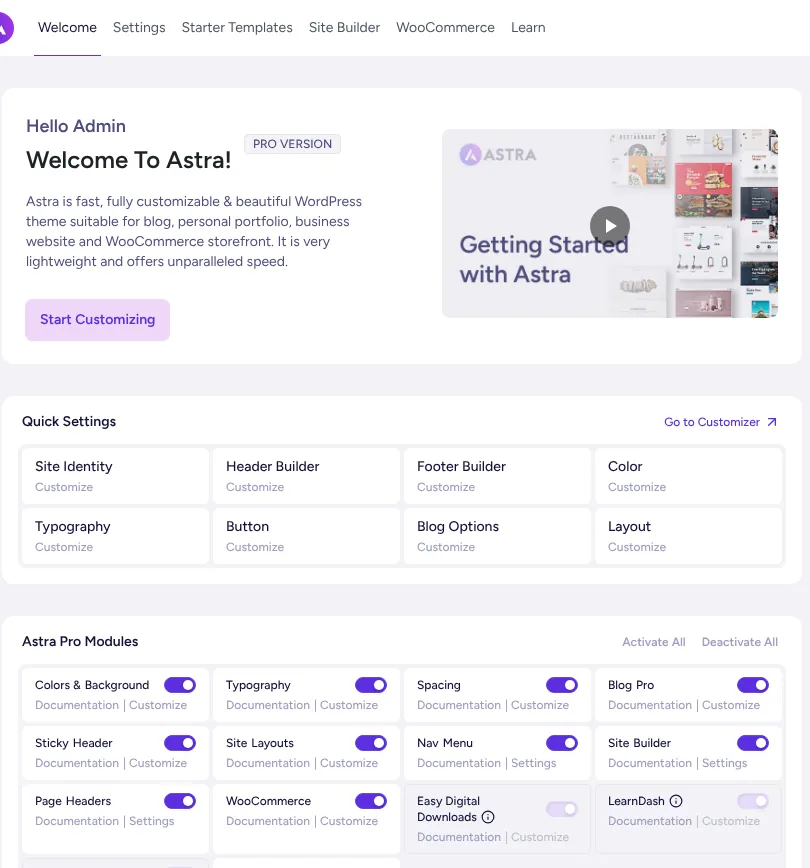
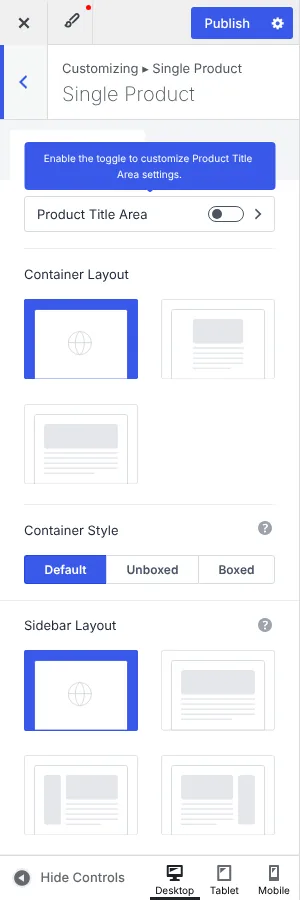
Both themes put their settings in the WordPress Customizer and add their own dashboard page. On Kadence, the Pro add-ons are 11 simple on/off toggles on the theme dashboard: Header Addons, Conditional Headers, Ultimate Menu (mega menu), Header/Footer Scripts, Hooked Elements, WooCommerce Addons, Infinite Scroll, Color Palette Switch (dark mode), Local Gravatars, Archive Custom Settings and Maintenance Mode. Astra lists its Pro modules the same way: Colors & Background, Typography, Spacing, Blog Pro, Sticky Header, Site Layouts, Nav Menu, Site Builder, Page Headers, WooCommerce, Easy Digital Downloads, LearnDash, LifterLMS and White Label.
The difference is in what surrounds them. Astra's dashboard pushes its upgrade path more (a “Business Toolkit” upsell, starter templates, AI builder), and since Astra 4.13 it also has an MCP and Abilities API page so AI agents can manage theme settings. Kadence's dashboard is plainer; since the Liquid Web move, licences are managed in the Liquid Web Software Manager instead of a Kadence account.
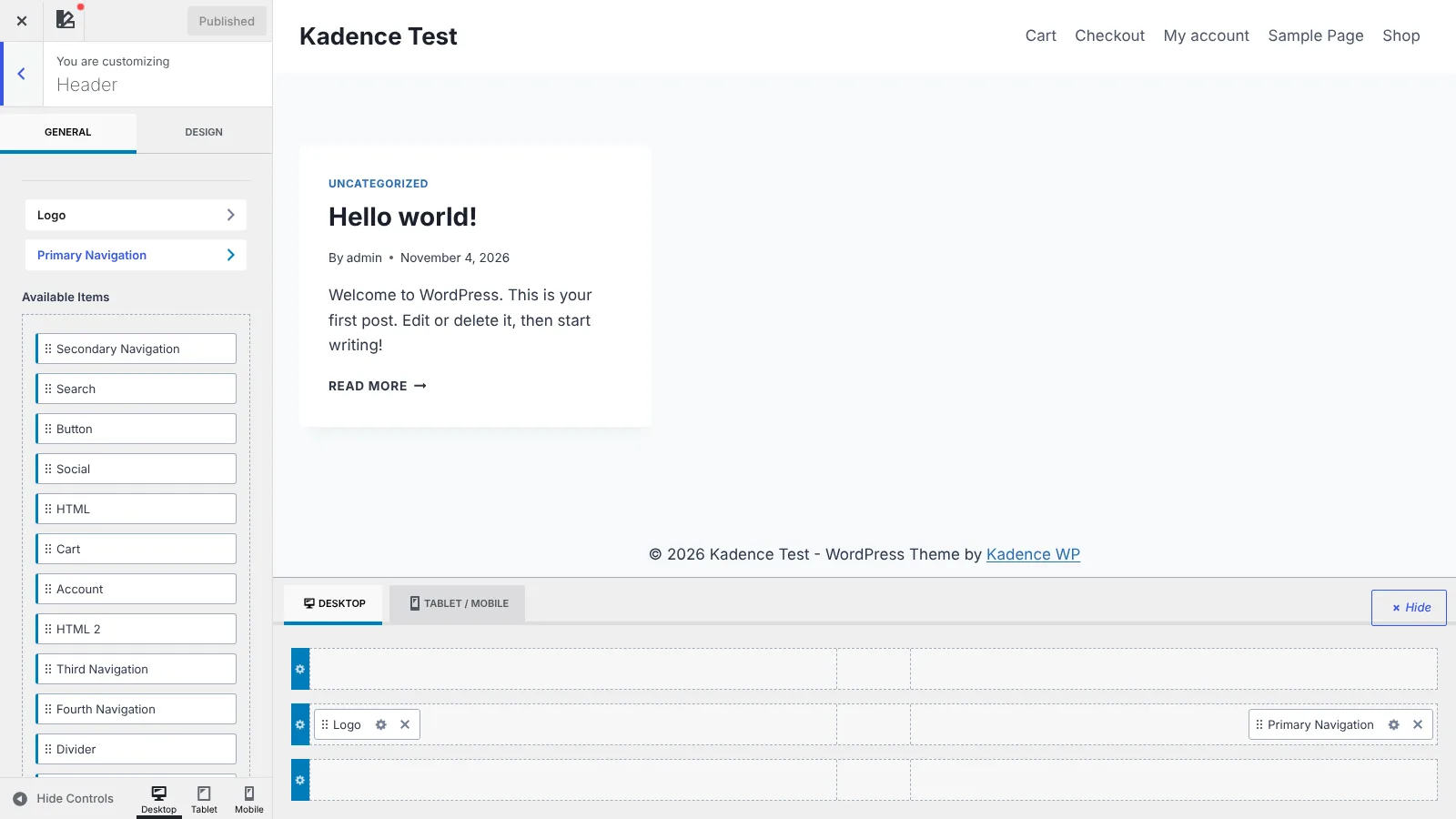
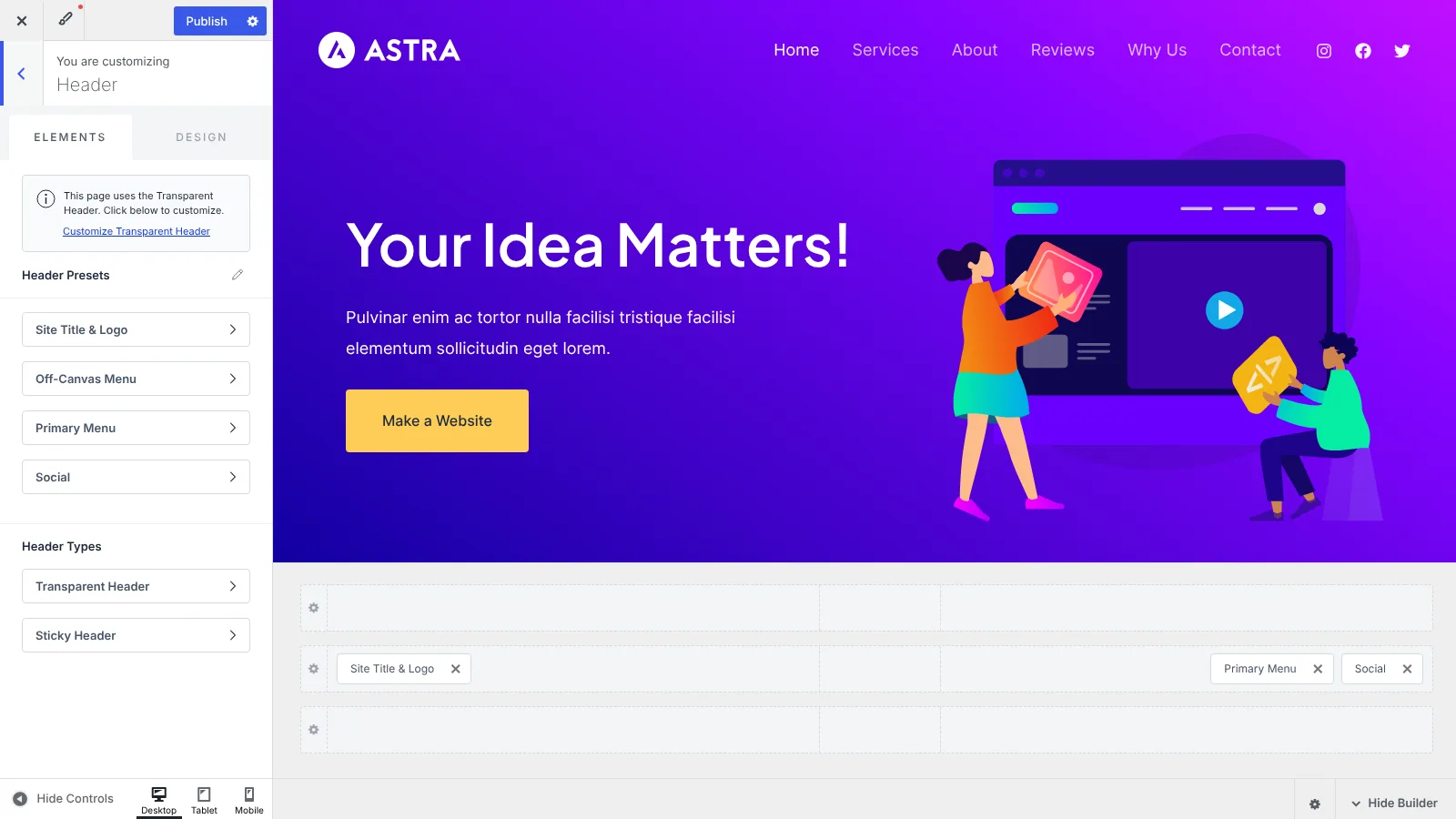
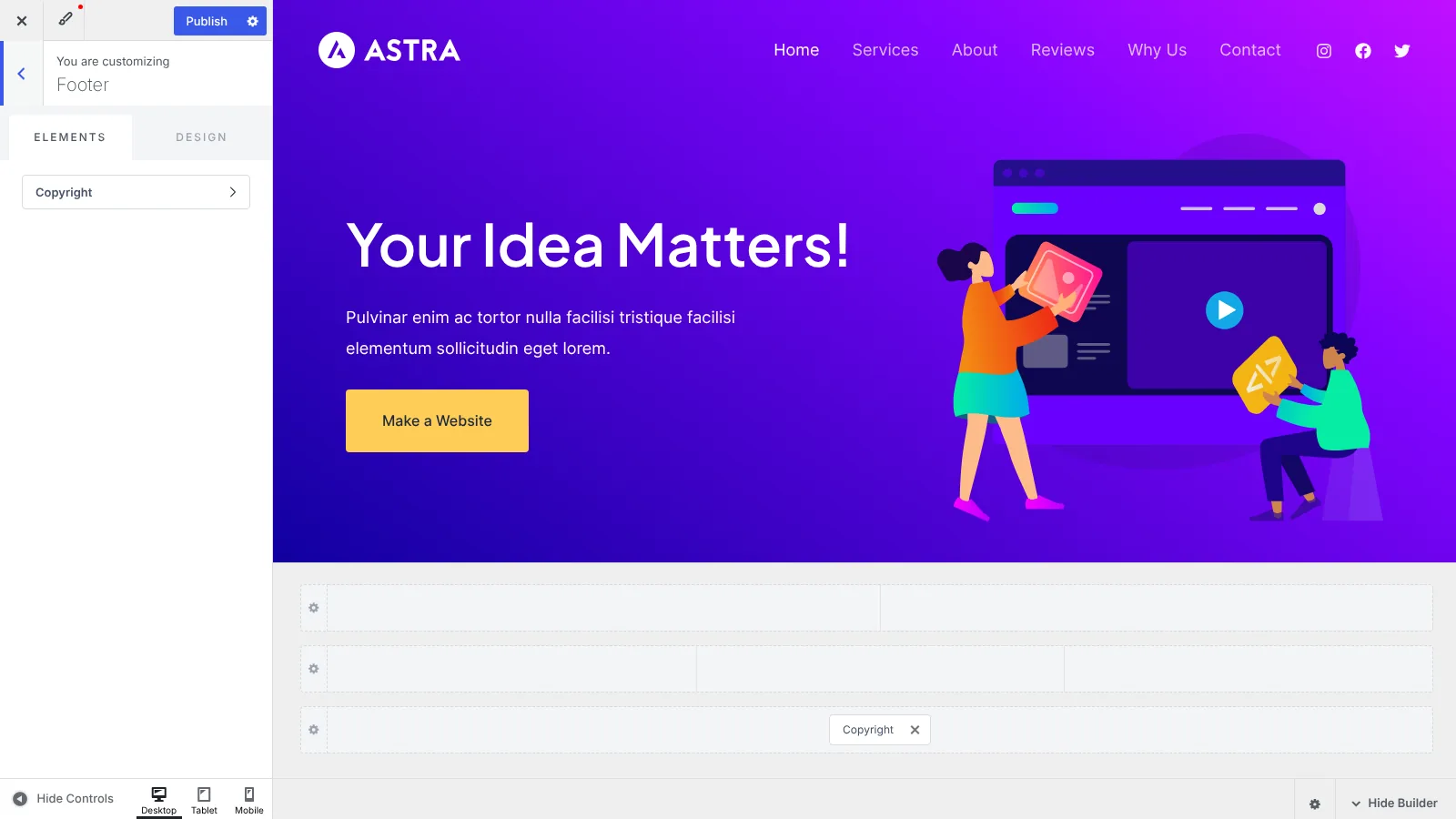
This is where most people spend their time, and both builders now work the same way: three rows (top, main, bottom), each with left, centre and right zones, separate desktop and mobile layouts, and drag-and-drop items.
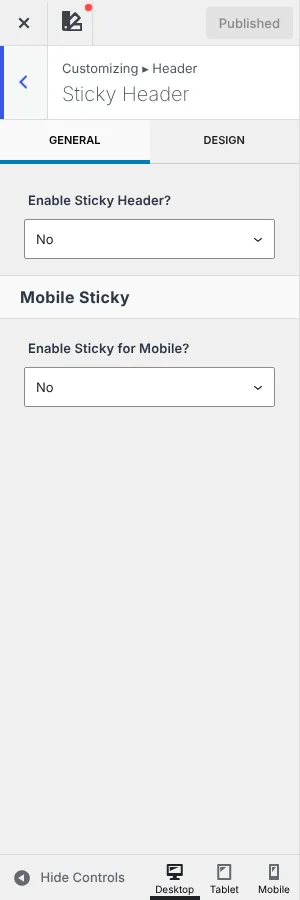
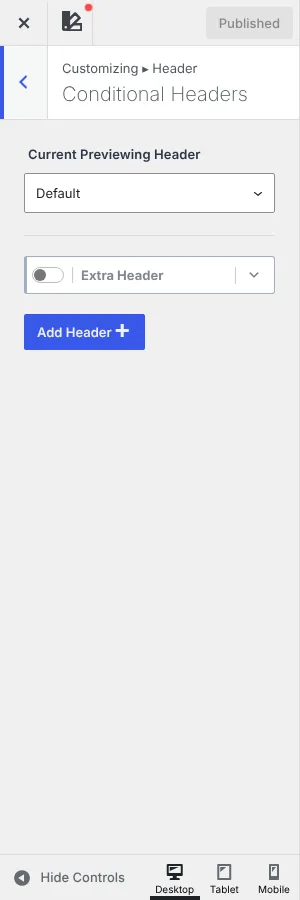
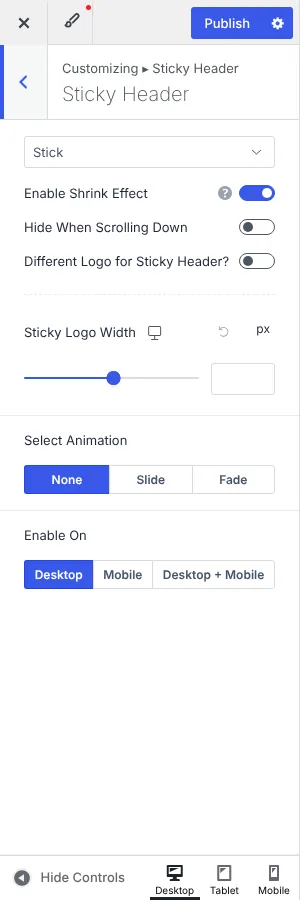
Sticky headers are free in Kadence but a Pro feature in Astra, while Astra Pro has more sticky animation controls. Conditional headers are Kadence Pro only; in Astra you get the same result by building a header layout in the Site Builder with display rules.
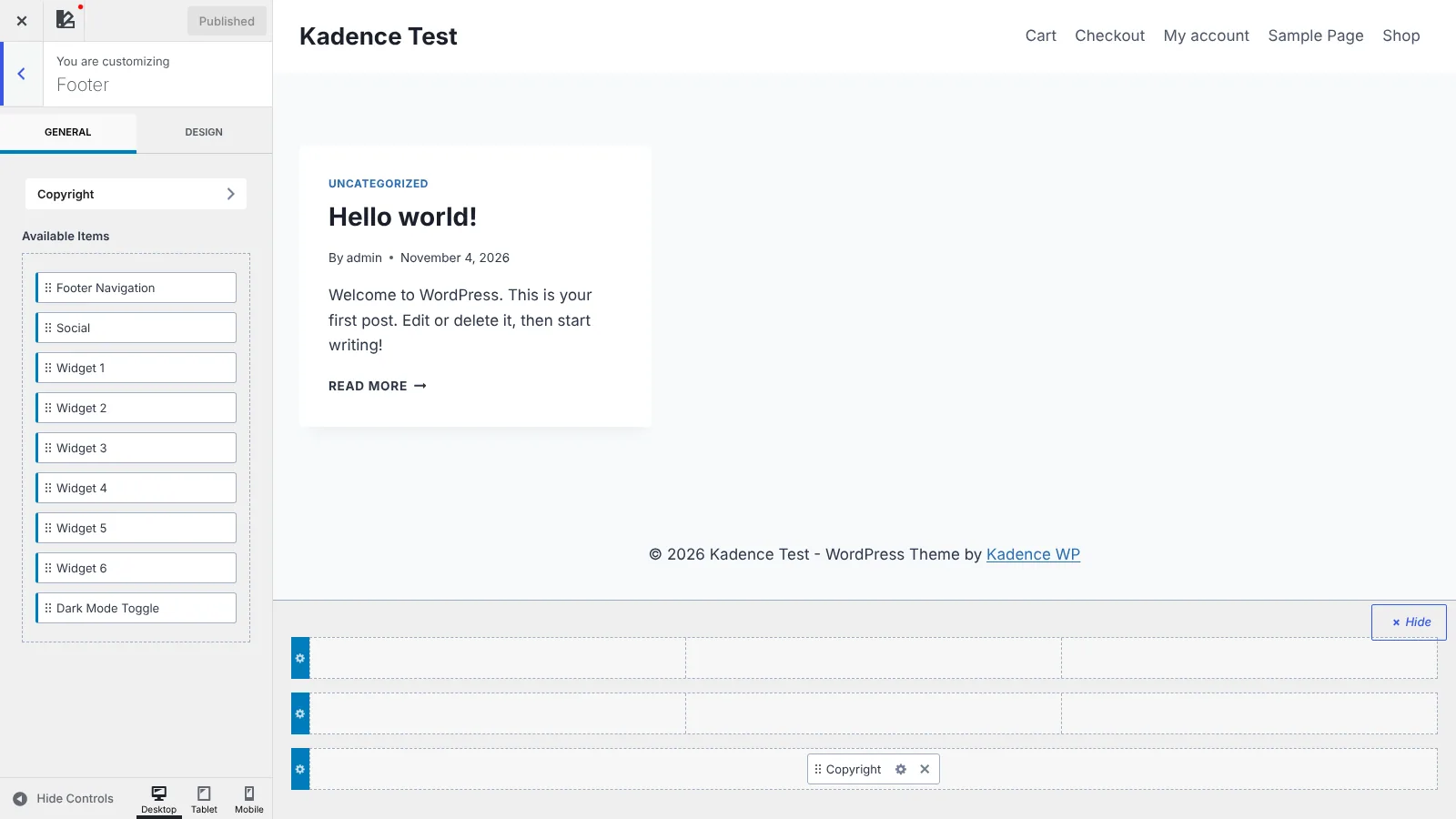
Both footers use the same three-row builder as the header. Kadence gives you six widget areas, footer navigation, social and copyright in the free theme, and its Pro add-on adds a Dark Mode Toggle you can place in the footer or header. Astra's free footer builder has widget areas, menu, social and copyright, and Astra Pro adds more widget areas, buttons and HTML blocks.
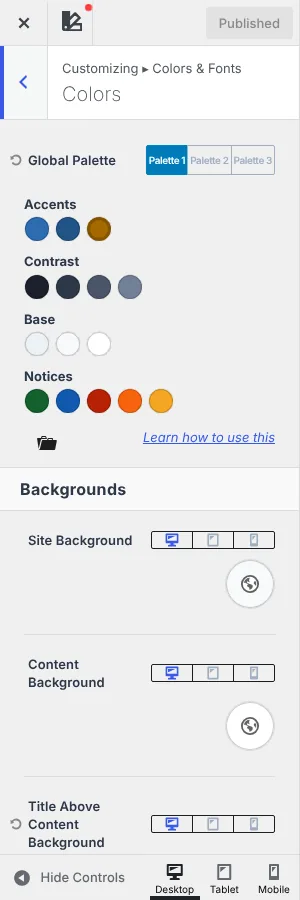
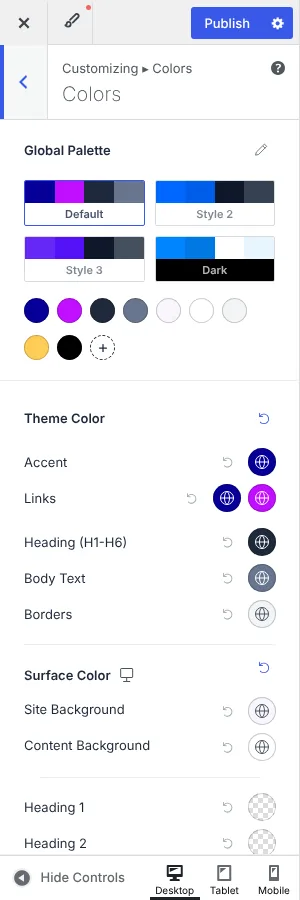
Both themes are built around a global palette, so changing one colour updates buttons, links and headings across the site.
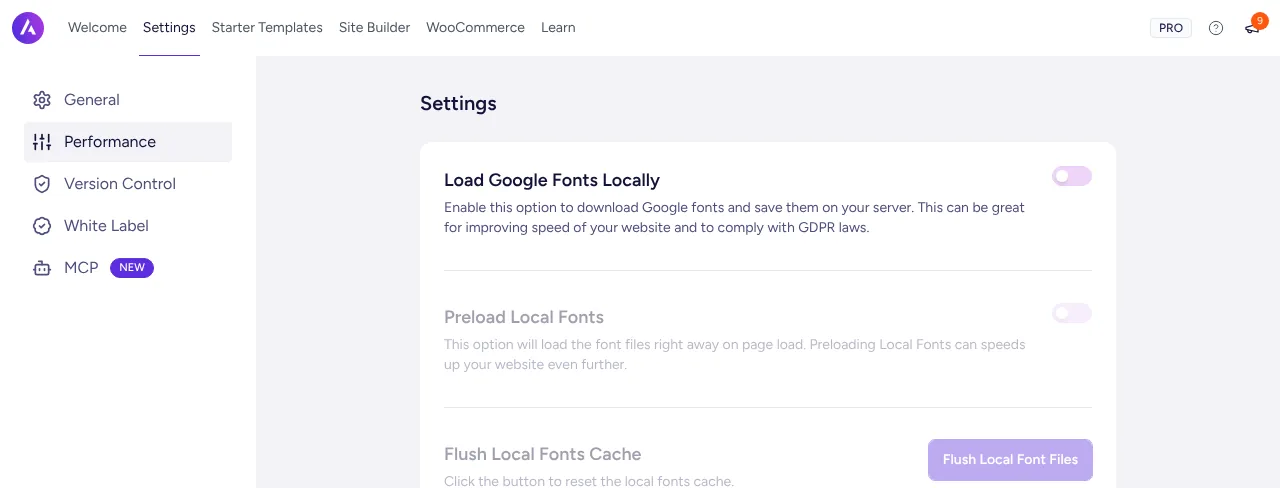
Both host Google Fonts locally for free (better for GDPR and speed), and both can preload local fonts.
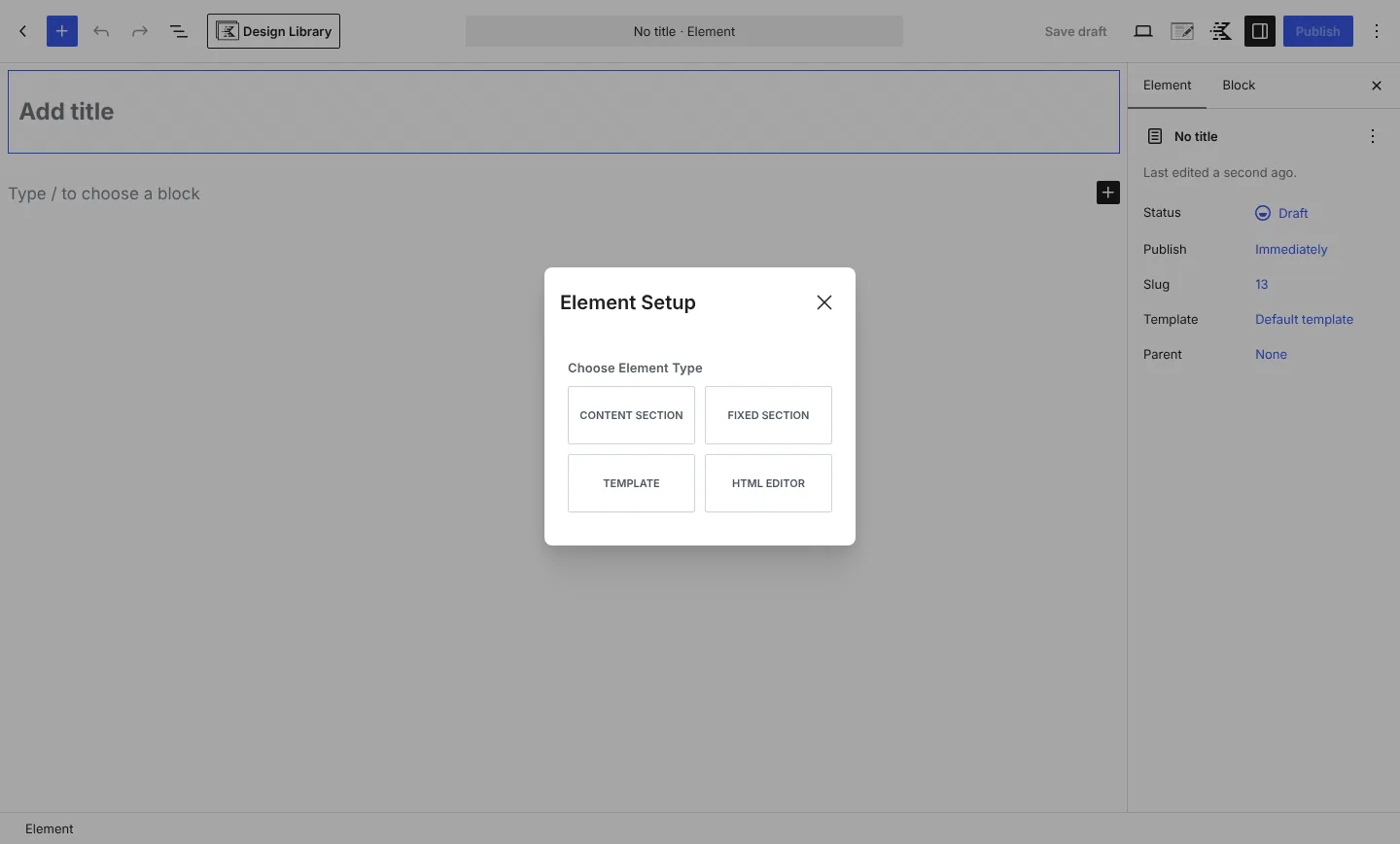
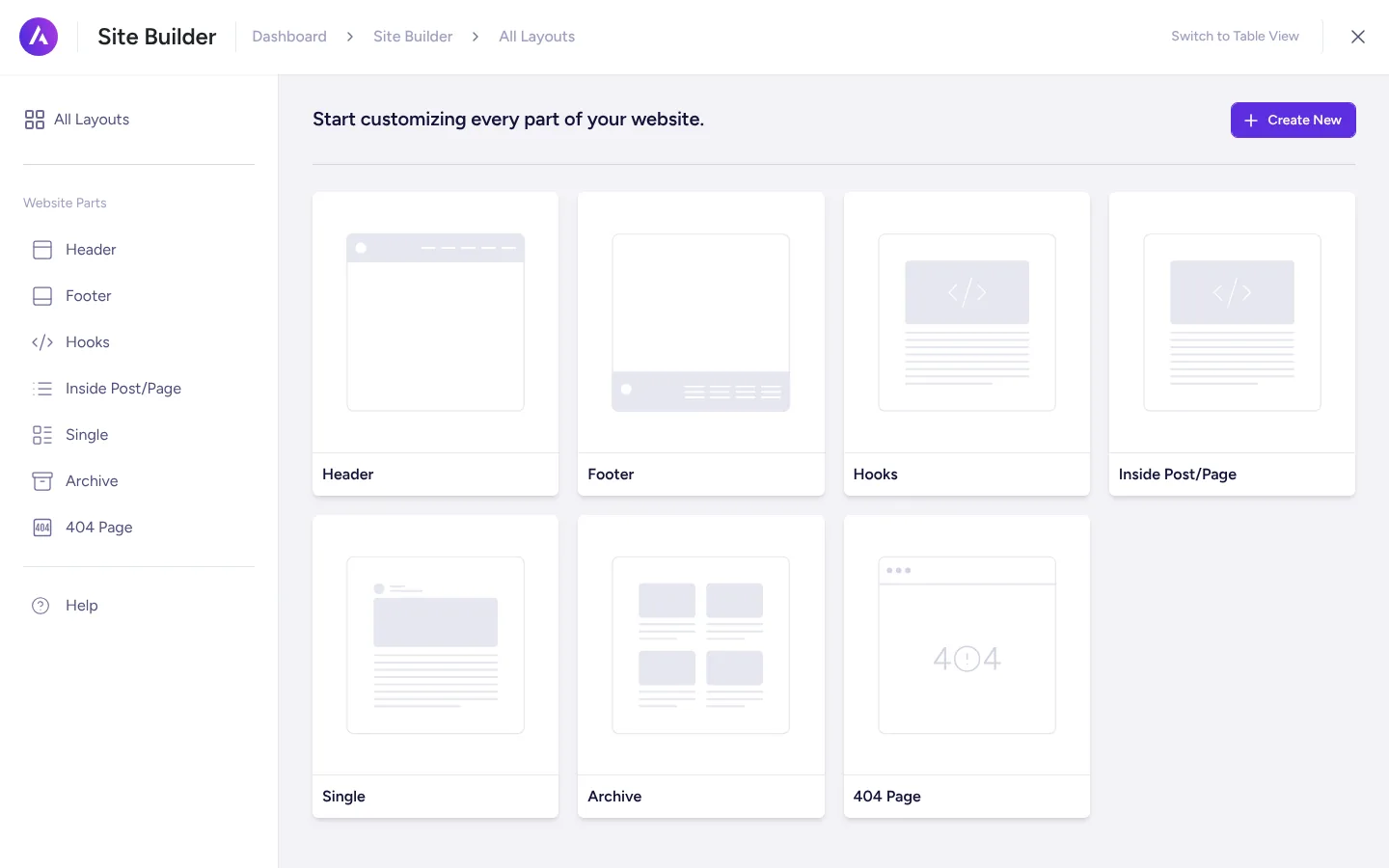
This is the most important Pro feature for agencies and anyone building more than a simple blog: it lets you insert content anywhere in the theme or replace whole templates, with rules for where it shows.
Both cover the same ground. Astra's Site Builder is easier to browse because every layout type has its own card; Kadence's Elements fit more naturally if you already build everything with Kadence Blocks.
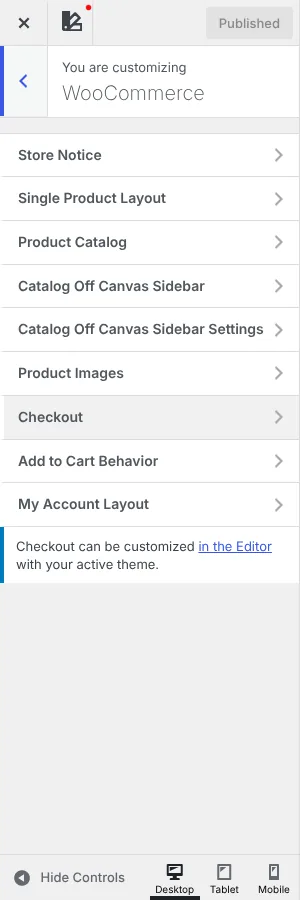
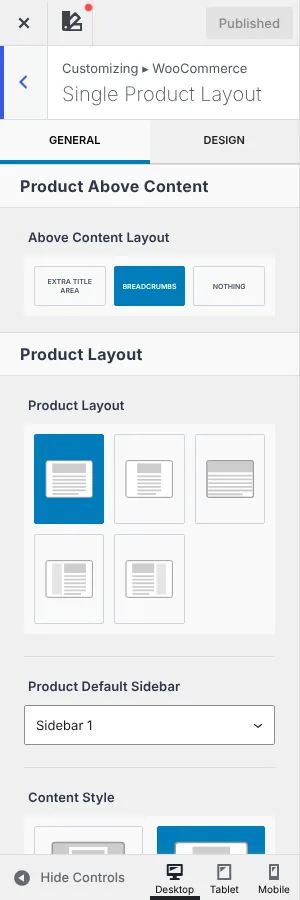
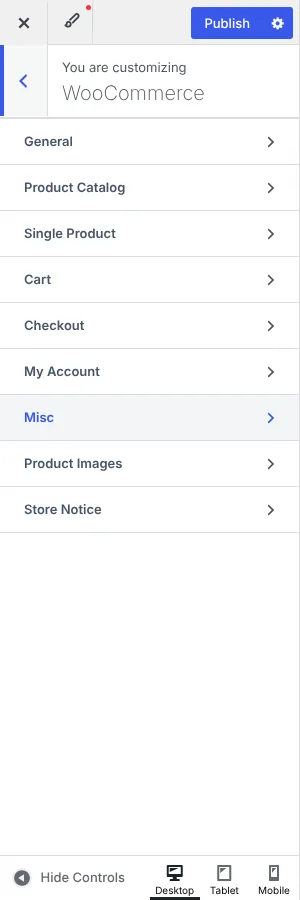
Kadence gives you more for free, Astra Pro gives you more checkout options out of the box.
| Integration | Kadence | Astra |
|---|---|---|
| LearnDash | Free: dedicated course, lesson, topic, quiz and focus-mode layouts | Compatible free; Pro adds distraction-free learning and header options |
| LifterLMS / Tutor LMS | Free layouts for both | Compatible; Pro adds LifterLMS options |
| Elementor | Compatible (theme ships Elementor styles), no Elementor starter templates | Compatible, with Elementor starter templates and Ultimate Addons for Elementor in the bundles |
| Beaver Builder / Divi Builder | Works, not a focus | Officially supported, Beaver Builder templates |
| Full Site Editing | Classic theme with theme.json; FSE users are pointed to Kadence Blocks headers | Classic theme with theme.json; separate block theme (Spectra One) exists |
| Events, donations, memberships | Templates for The Events Calendar, GiveWP, bbPress, SureCart and Restrict Content Pro | General compatibility |
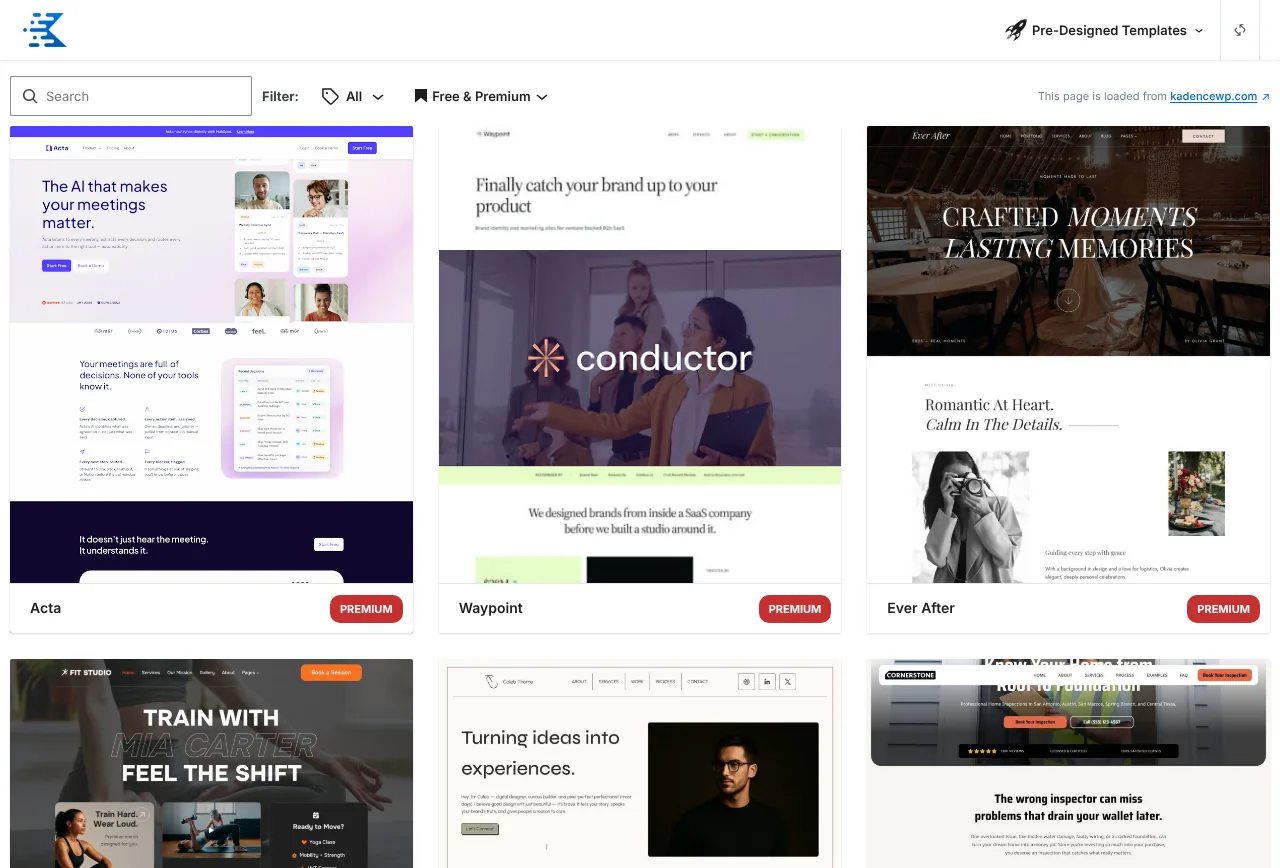
Astra wins on choice: more than 300 full-site templates for the block editor (now built with Spectra Blocks), Elementor and Beaver Builder, plus an AI Website Builder powered by ZipWP that generates a site from a short brief. Premium templates and the AI builder are part of the paid “+AI” plans.
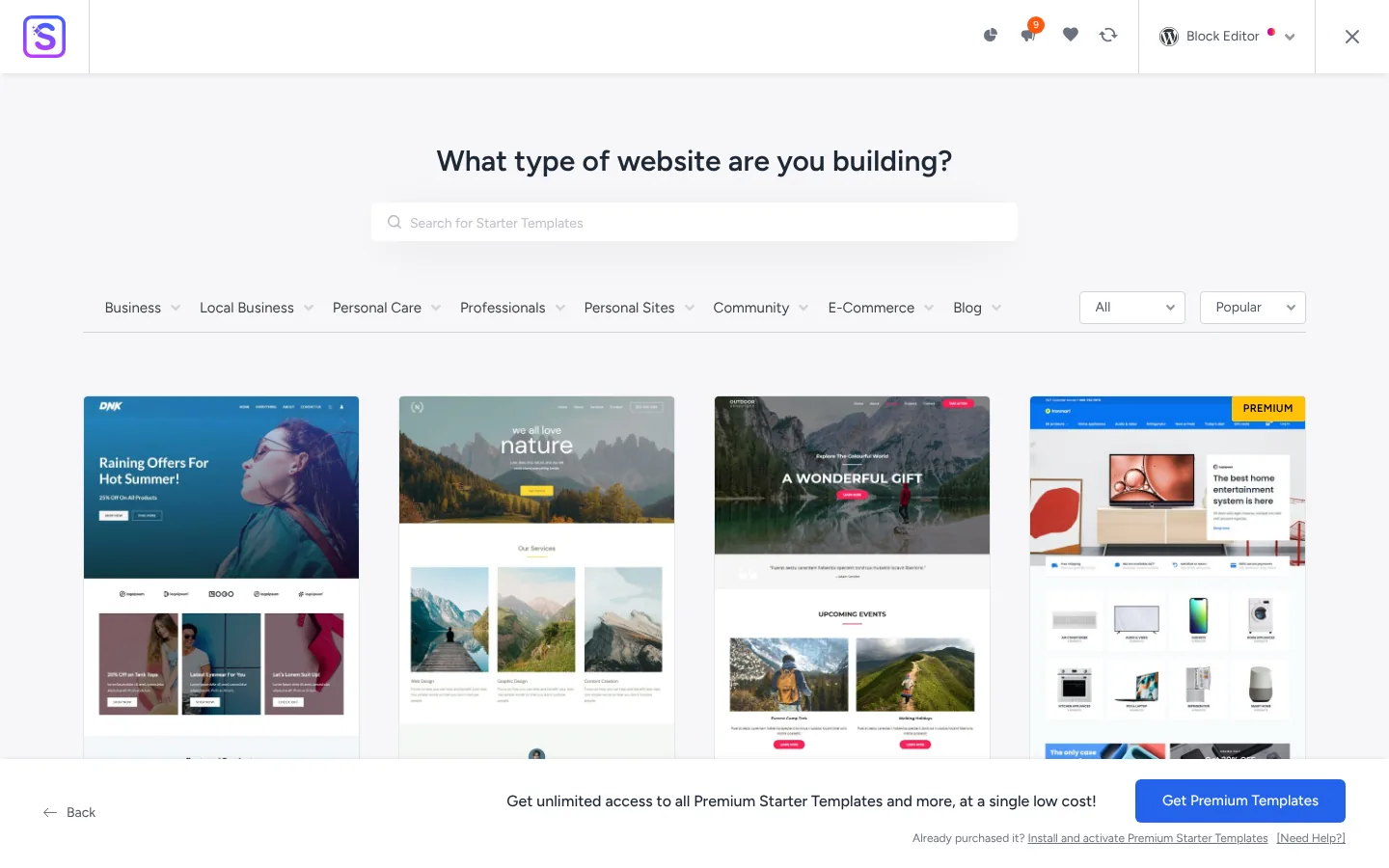
Kadence offers 200+ templates, all built with the block editor and Kadence Blocks, with premium designs marked in the library. Kadence AI used to generate templates too, but in 2026 the AI messaging was scaled back (the theme removed its AI starter-template notice in 1.5.0), so I would not buy Kadence for AI features today.
I measured the default home page of each theme, logged out, on identical fresh installs. These numbers are uncompressed bytes from the test server, so compare them with each other, not with real-world page sizes after gzip.
| Test | Kadence | Astra |
|---|---|---|
| Theme only, no plugins: requests | 7 | 4 |
| Theme only: total page weight | 196.7 KB | 196.6 KB |
| Theme only: CSS files | 4 files, 105.1 KB | 1 file, 43.9 KB |
| Theme only: inline CSS in the HTML | 31.1 KB | 87.7 KB |
| Theme only: JavaScript | 2 files, 44.1 KB | 2 files, 48.5 KB |
| With Pro, block plugin and WooCommerce: requests | 17 | 32 |
| With Pro, block plugin and WooCommerce: total | 531 KB | 1,244 KB |
| With Pro, block plugin and WooCommerce: inline CSS | 77.9 KB | 535.5 KB |
With only the theme installed, the two are a tie on page weight. Kadence splits its CSS into small files (global, header, content, footer) and loads only what the page uses; Astra loads one main stylesheet and prints more CSS inline in the HTML.
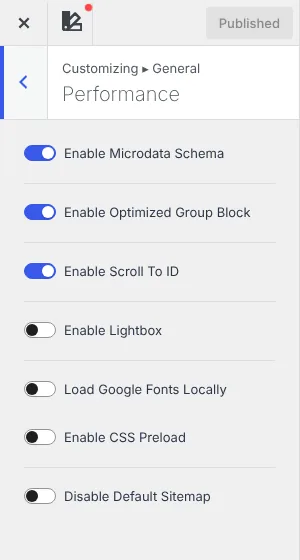
The full-stack result is the more useful one. With every Pro module on and their companion plugins active, the Astra site printed over 500 KB of CSS inline, which made its HTML five times heavier than Kadence's. If you use Astra Pro, switch on File Generation (Astra → Settings → General) so that CSS is served as cacheable files, and only enable the Pro modules you use. Kadence also lets you preload its CSS and load Google Fonts locally from Customizer → General → Performance.
Either theme can pass Core Web Vitals; your hosting, caching and plugins matter far more. My WordPress speed guide covers the rest.
This is Kadence's clearest lead. Kadence 1.3.2 (August 2025) earned the accessibility-ready tag on wordpress.org, which means the theme passed the directory's accessibility review, and the theme's accessibility statement claims WCAG 2.2 AA conformance after an external audit. Astra does not have the tag. It does ship a skip link, and its 2026 changelogs include fixes for target size, keyboard submenus and screen readers, but it makes no overall WCAG claim.
If your client or your country requires WCAG 2.1 or 2.2 AA (the European Accessibility Act, public-sector sites), Kadence gives you a better starting point. Neither theme makes a site accessible on its own: content, colours, forms and plugins still need checking.
A theme is a long-term dependency, so how it is maintained matters as much as its features.
| Kadence | Astra | |
|---|---|---|
| Owner | Liquid Web / Nexcess. Kadence was acquired in 2021 and became the flagship of Liquid Web's software line in 2026 | Brainstorm Force, independent since 2009 |
| Free theme releases, last 12 months | 9 (last one 24 July 2026) | 28 (roughly every 1 to 3 weeks) |
| Pro releases, last 12 months | 12 | 21 |
| Recent highlights | 1.3: accessibility work and accessibility-ready tag. 1.4: style guide, extended palette, fluid type. 1.5: Shop Kit compatibility | 4.12: WordPress command palette. 4.13: MCP and Abilities API for AI agents, WordPress 7.0/7.1 support. 4.14: named custom colours |
| Minimum requirements | WordPress 6.3, PHP 7.4 | WordPress 5.3 (declared), tested up to 7.1 |
| Block theme plans | None announced; classic theme with theme.json | None for Astra; separate Spectra One block theme |
Kadence: the theme is mature and stable, but development has clearly slowed. The free theme went three and a half months without a release at the time of writing, and the 2026 move from StellarWP to Liquid Web / Nexcess changed the plans, the documentation site (now docs.nexcess.com) and the licensing system. Much of the new effort goes into the plugins around the theme: Shop Kit, Kadence Security (formerly Solid Security), Kadence Backups and Kadence Memberships.
Astra: Brainstorm Force ships small updates very often, adds compatibility for new WordPress versions quickly, and has been early with AI features (ZipWP, MCP support). The other side of that pace is a busier dashboard with more upsells, and several 2026 releases were security fixes (credited to Patchstack and Wordfence), which they handled promptly.
Neither company really sells “a theme” any more. You are buying into a suite.
| Need | Kadence ecosystem (Liquid Web) | Astra ecosystem (Brainstorm Force) |
|---|---|---|
| Blocks / page building | Kadence Blocks (600k+ installs) + Kadence Blocks Pro | Spectra Blocks (new in July 2026) + Spectra Pro; older Spectra continues as “Spectra Legacy” |
| Starter sites | Kadence Starter Templates (blocks) | Starter Templates (1M+ installs) + ZipWP AI builder |
| Elementor add-ons | None | Ultimate Addons for Elementor |
| Forms | Kadence Blocks forms | SureForms |
| WooCommerce | Kadence Shop Kit (former IconicWP plugins) | CartFlows (sold separately) |
| Memberships | Kadence Memberships (formerly Restrict Content Pro) | SureMembers (sold separately) |
| Security / backups | Kadence Security and Kadence Backups (formerly Solid) | Not included |
| A/B tests, popups, analytics | Kadence Insights and Kadence Conversions (Elite plan) | Not included |
| SEO / automation | Not included | SureRank and OttoKit (separate products) |
| Courses, events, donations | LearnDash, The Events Calendar and GiveWP in Liquid Web's bundle plans | Not included |
Kadence's paid plans now bundle a lot of business software (security, backups, memberships, store tools). Astra's bundles focus on design tools (Spectra Pro, Elementor add-ons, premium templates, AI). Decide which of those you would otherwise pay for separately.
| Plan | Price | Sites | What it adds |
|---|---|---|---|
| Kadence Pro | $299/year | Per-site pricing, check at checkout | Theme Kit Pro, Kadence Blocks Pro, premium templates, Shop Kit, memberships, security, backups |
| Kadence Elite | $499/year | Per-site pricing, check at checkout | Pro plus A/B testing, popups, white label, client portal, Kadence Central, email delivery |
| Liquid Web bundle | $350 (1 site) to $999/year (100 sites) | 1 to 100 | Kadence plus LearnDash, The Events Calendar and GiveWP |
| Astra Pro | $69/year or $249 lifetime | 3 | Astra Pro only |
| Astra Pro + AI | $99 first year, then $149/year; $279 lifetime | 3 | Astra Pro plus ZipWP AI builder and premium AI designs |
| Essential Toolkit + AI | $199 first year, then $299/year; $549 lifetime | 10 | Spectra Pro, premium starter templates, Ultimate Addons for Elementor Pro |
| Business Toolkit + AI | $279 first year, then $429/year; $799 lifetime | 1,000 | Everything plus SureForms agency, AI Site Planner and 24/7 VIP support |
| If you are… | Choose | Why |
|---|---|---|
| A blogger or affiliate site on the block editor | Kadence (free is enough) | Free sticky header, more free layout options, modular CSS, Kadence Blocks for comparison tables and buttons |
| An Elementor or Beaver Builder user | Astra | Elementor and Beaver Builder starter templates, Ultimate Addons, page-builder layouts in Site Builder |
| On a tight budget but need Pro features | Astra Pro | $69/year or $249 lifetime, versus $299/year for Kadence's cheapest plan |
| Building sites that must meet WCAG / the EAA | Kadence | Accessibility-ready tag and WCAG 2.2 AA claim |
| Running a WooCommerce store | Kadence for free features and Shop Kit; Astra Pro for ready-made checkout layouts | Depends whether you want a full store toolkit or just nicer checkout pages |
| Selling courses with LearnDash | Kadence | Free LearnDash layouts, and LearnDash is part of Liquid Web's bundle |
| An agency building many sites | Astra Business Toolkit (1,000 sites) or Kadence Elite (white label, Central) | Astra is cheaper per site; Kadence adds client tools, security and backups |
| Someone who wants an AI site builder | Astra | ZipWP is actively developed; Kadence AI is being de-emphasised |
For most block-editor sites I still prefer Kadence. The free version does more, it is accessibility-ready, and its modular CSS stayed lighter in my test once Pro and companion plugins were added. It is what I use for client sites that need to meet WCAG.
But Astra is the better buy in 2026 if you use Elementor or Beaver Builder, want a lifetime licence or the lowest price for Pro, or value a theme that is updated every couple of weeks by an independent company. Kadence's slower release pace and the ongoing Liquid Web transition are worth watching; if that worries you, Astra is the safer long-term bet.
Still deciding between other themes? Read my Kadence vs Blocksy comparison, the Kadence theme tutorial and my list of Astra alternatives.
For block-editor sites, accessibility and free features, yes. For Elementor users, AI site building, the lowest Pro price and the fastest update schedule, Astra is better.
Yes. Both themes are free on wordpress.org and usable without Pro. Kadence's paid plans start at $299/year; Astra Pro starts at $69/year or $249 lifetime.
On a fresh install with only the theme, both pages weighed about 197 KB in my test. With Pro modules and companion plugins on, Kadence stayed lighter because Astra prints a lot of CSS inline unless you enable File Generation.
Kadence is owned by Liquid Web and sold through Nexcess. It was part of StellarWP until Liquid Web reorganised its software brands in 2026.
Liquid Web's official pricing pages no longer list a lifetime plan for new customers. Existing lifetime licences keep working. Astra still sells lifetime plans.
Astra does not have the wordpress.org accessibility-ready tag, although it includes a skip link and recent accessibility fixes. Kadence has the tag and claims WCAG 2.2 AA.
Yes. Your posts and pages stay, but you will need to rebuild the header, footer, colours and any Pro custom layouts in the new theme. Test on a staging site first.
No, both themes work with plain Gutenberg. Kadence Blocks pairs naturally with Kadence, and Spectra with Astra, but you can mix them.