In this blog, we will do Siteground Full tools and features Review and by the end you will know exactly what SiteGround Hosting gives you.
Introduction of Siteground
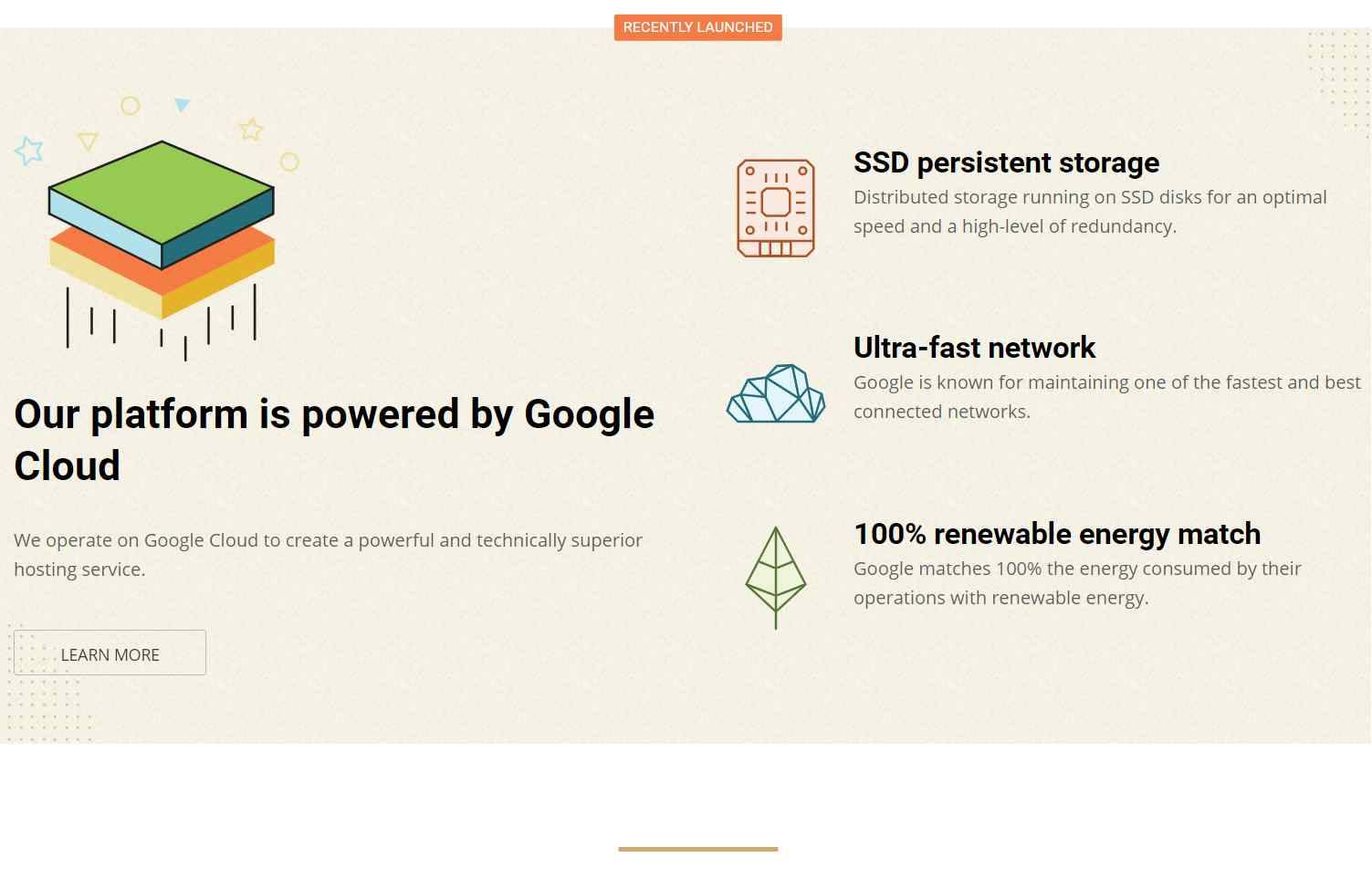
SiteGround is one of the hosts WordPress officially recommends, and the reason is performance. They have confirmed that every plan now runs on Google Cloud, even the StartUp plan at 6.99$, which I think makes it the cheapest Google Cloud based hosting around. They say they are mainly based in Singapore, with data centres all over the world.

Technology Used By Siteground
SiteGround keeps up with the latest server technology. They added NGINX and QUIC so pages load faster even on a slow connection. For WordPress they have their own caching and optimization plugin, SG Optimizer, and they keep improving it.
I will introduce all technology used by them in tools section.
Siteground Speed Test and Server Response Time.
I ran speed tests on SiteGround from servers in different locations, and the results were impressive.
Some Samples of Siteground speed test are below


![SiteGround Review????2020 [Updated] | SiteGround Hosting Review [Complete] | Hosting Live Speed Test](https://bloggertutor.com/wp-content/cache/flying-press/912e7335213914e570e260b247e76e45.jpg)
Siteground Hosting Uptime
SiteGround claims 99.99% uptime, and I believe it. Your site sits on a cloud cluster of servers, so when one machine has a bad day another one picks up the work.
Siteground Hosting Review
-> Siteground India Hosting Review and alternative
Siteground Features and Tools available in Dashboard [cPanel]
The tools are the main reason I used SiteGround in the first place, so this is my favourite part. Here they are one by one.
1. App Manager
App Manager does what the name says. It installs and removes your CMS applications for you, so you never do it by hand. Siteground App Manager has WordPress, Joomla, Drupal, Weebly, Magento, PrestaShop, ZenCart, OpenCart, phpBB, SMF, MediaWiki, Moodle, osTicket, vTiger, LimeSurvey, phpList, Piwigo. SiteGround installs any of them automatically, and you manage them all from the SiteGround dashboard.

2. File Manager
Like every host, SiteGround gives you a file manager for your hosting files. It covers the essentials: copy, paste, edit, rename, move, extract and compress.

3. FTP Accounts
Siteground hosting also provides FTP accounts for users to manage their files from third-party services like Filezilla. Here you can create, delete and manage FTP accounts.

4. MySQL Manager
The MySQL tool lets you create databases, manage database users, link users to databases and open the database itself. Even if you only run WordPress, you will end up in here sooner or later.

5. Backup
The backup tool backs up your website automatically. Professional developers need this as much as anyone, because sites break for unknown reasons and without a backup you lose everything. SiteGround lets you restore from any of the last 30 days of backups.

6. SSL Manager
Every secure website needs an SSL certificate. SiteGround gives you one free, plus a tool that installs it in a few clicks.

7. HTTPS Enforce
This feature of Siteground hosting will help you to forcibly serve all your content through the https protocol.
8. Protected URL
Protected URL is one of SiteGround's best security features. You can lock any URL on your site behind a username and password, and only people with those details can see the page.

9. Blocked IPs
DDoS attacks are common, and this feature lets you block any IP address you think is harmful. You can unblock them again whenever you want.

10. Site Scanner
Site Scanner is an addon product of siteground which is not available for free. You need to pay for it. It scans for malware in your website and tells location so that you can remove it manually. It can remove malware automatically, but I would not trust that on a large site with many scripts, because it may delete files you need along with the bad ones.

11. Cloudflare Integration
Siteground has inbuilt Cloudflare integration to integrate Cloudflare free CDN to improve your website Speed and Code Optimization.

12. Caching
Caching reduces server load and speeds up your website. These days it is as important as SSL. SiteGround has 3 caching systems: NGINX, Dynamic and Memcached.

13. WordPress Migration
SiteGround has a free WordPress migration tool that works through their WordPress Migration plugin. If you would rather not touch it, their team will also migrate your site manually for free.

14. Domain DNS Manager
When you map your domain to your hosting using a name server, then your domain provider will no longer manage your DNS setting. That is why SiteGround gives you a Domain DNS Manager, where you handle parked domains, subdomains, DNS records, redirects and so on.

15. Professional Emails
A professional email address builds trust with your audience and customers in a way a free webmail address does not. SiteGround includes free professional email accounts, forwarders, auto responders, email filters, authentication and a spam filter. I like any host that throws this in, and SiteGround does.

16. Website Statics
The Site Statistics tool is handy if you are not very technical. There are many things that you can track and see reports like Traffic Summary, Audience, Source, Behaviors, Error Logs, Access Log etc. This will help you to understand your website performance.

17. Git Tools
Git is the most advanced tool here, and few shared hosts offer it. It creates a Git repository of your application, which you can later access, download and edit on multiple local branches. You will be able to easily deploy updates, as well as compare differences between your local source code and your production or staging copies.
18. Cron Job Manager
Some WordPress plugins and scripts need to run automatically in the background. The Cron Jobs tool lets you automate commands or scripts on your site. You can set up scheduled tasks to run at a specific time or time interval. You do need to be comfortable with Linux commands to set them up, otherwise this is the one tool to leave alone.
-
Is Siteground Better from Bluehost?
Yes. SiteGround runs on Google Cloud servers and uses more advanced technology.
-
Does Siteground Offer Free Domain?
No, there is no free domain, but you can buy one while you order your hosting.
-
Is siteground Slow?
No, Definitely not.
-
Why Siteground is So Expensive?
SiteGround costs more because even its shared hosting plans run on Google Cloud servers.
-
Which Siteground Hostin Plan is best?
It depends on how many resources your website needs. A heavy website will need one of the bigger plans.