Unblock Black Friday 2026: 30% Off Every Plan, Lifetime Included

Tutorials & Insights
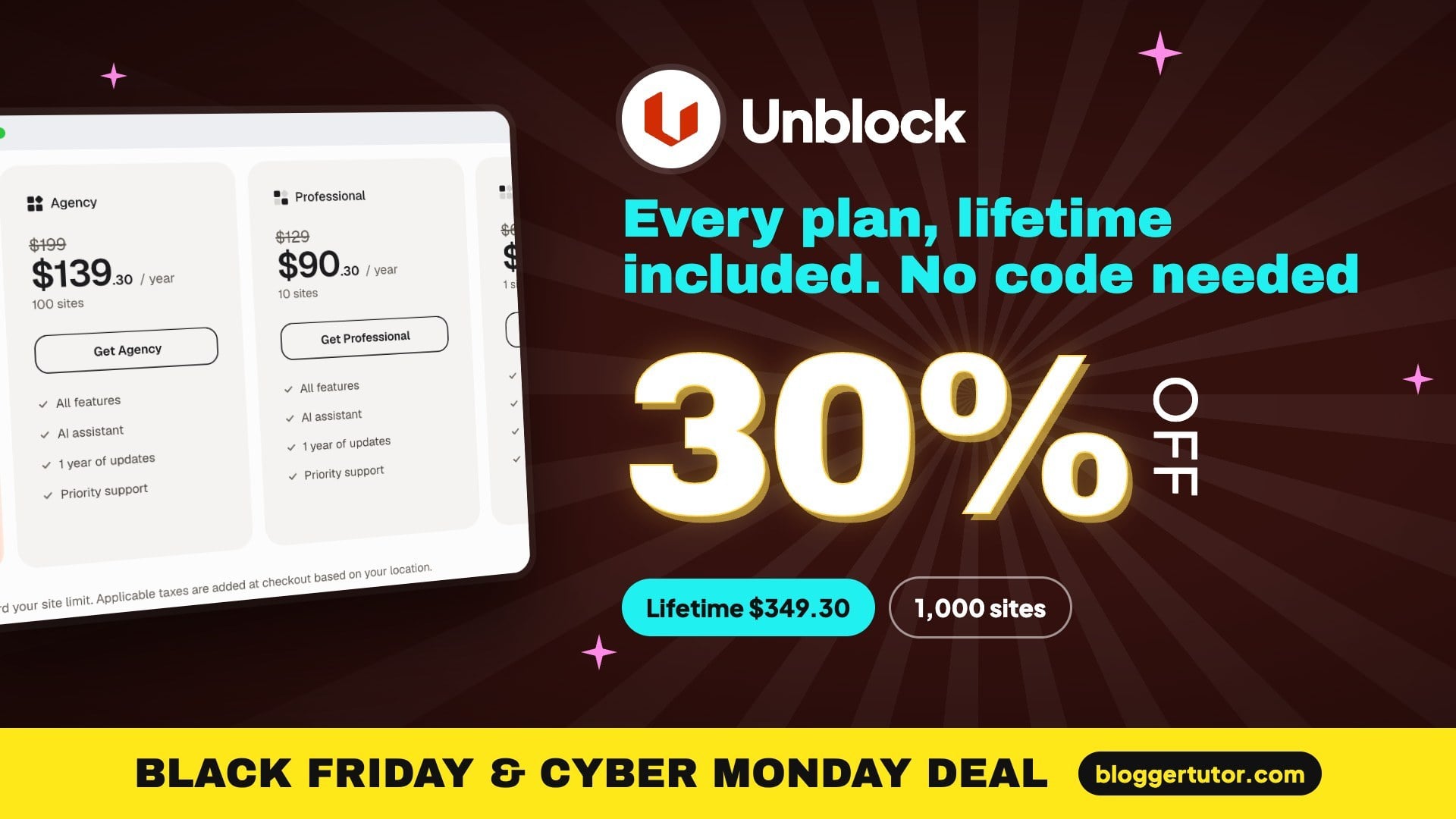
Unblock Black Friday is live: 30% off every plan until 1 December, lifetime licence included. No coupon code needed.
Unblock: 30% OFF every plan, lifetime included
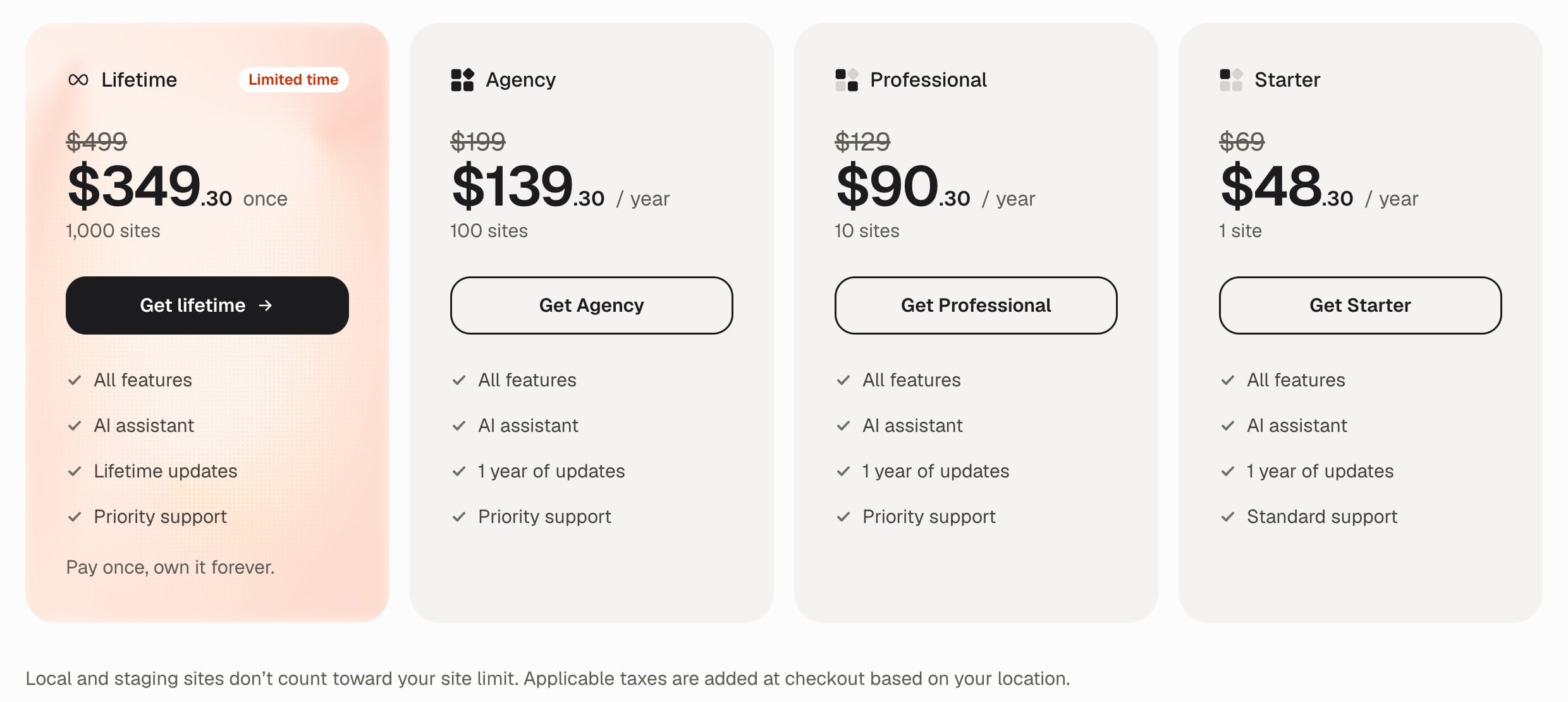
Unblock just shipped its stable 1.0 release, and the Black Friday price covers the lifetime licence too. Lifetime at $349.30 for 1,000 sites is the plan I would take: it costs the same as three years of Professional.
| Lifetime, 1,000 sites | |
| Agency, 100 sites | |
| Professional, 10 sites | |
| Starter, 1 site |
Ends 1 Dec 2026
That puts Lifetime at $349.30 instead of $499 for 1,000 sites, and the yearly plans start at $48.30, already cut on the Unblock pricing page and at checkout.
The timing is better than the discount itself. Unblock shipped its stable 1.0 release on 10 November, after six months of public beta, so this is the first sale on a finished product rather than a promise. I build almost everything on the block editor these days, and Unblock is the most interesting thing to happen to Gutenberg page building this year. Below are the real prices, the plan I would buy, and the catches you should know before you pay.
Every plan gets the same features and the same AI assistant. The only differences are the number of sites, how long you get updates and the support queue you land in.
| Plan | Sites | Regular | Black Friday | You save |
|---|---|---|---|---|
| Unblock Lifetime | 1,000 | $499 once | $349.30 once | $149.70 |
| Unblock Agency | 100 | $199/yr | $139.30/yr | $59.70 |
| Unblock Professional | 10 | $129/yr | $90.30/yr | $38.70 |
| Unblock Starter | 1 | $69/yr | $48.30/yr | $20.70 |
A few details from the pricing page and FAQ that are easy to miss:
Unblock calls the lifetime licence a limited time offer and has said from the start that it will not sell it forever. When the beta launched in May, early buyers got 30% off until 10 June and then 15% off until 15 July. So this Black Friday price matches the deepest discount the lifetime plan has ever had, on a product that is now stable.
Here is how the money works out if the yearly plans renew at today's regular prices:
| Plan | Year 1 | After 2 years | After 3 years | After 5 years |
|---|---|---|---|---|
| Starter | $48.30 | $117.30 | $186.30 | $324.30 |
| Professional | $90.30 | $219.30 | $348.30 | $606.30 |
| Agency | $139.30 | $338.30 | $537.30 | $935.30 |
| Lifetime | $349.30 | $349.30 | $349.30 | $349.30 |
The rule I apply: if you would ever need more than one site, Lifetime is the plan. It costs the same as three years of Professional and is cheaper from year four. Against Agency it pays for itself early in year three while giving you ten times the sites. Starter only beats it if you are certain you will run Unblock on a single site for less than six years.
The honest counterpoint is that a lifetime licence on a plugin that went stable yesterday is a bet on the developer. I am comfortable making that bet here because Unblock comes from Loïc Blascos, who also builds WP Grid Builder, a premium plugin that has been maintained for years. If you would rather not tie up $349, Professional at $90.30 is the sensible way to try Unblock on real client work, and you can upgrade later by paying only the prorated difference.
Take the Lifetime plan at $349.30 if you build sites for clients or plan to use Unblock on more than one site. It is the same price as three years of Professional, it covers 1,000 sites, and you are buying it at the lowest price it has ever had.
Unblock is not another block library with fifty decorative blocks. It is closer to a visual builder that lives inside Gutenberg. Every Unblock block maps to one real HTML element, so what you see in the editor is exactly the markup that ships to the browser. Section, Container, Div, Heading and the rest are variations of that one block, and you can set any tag and any attribute on them, including aria and data attributes.
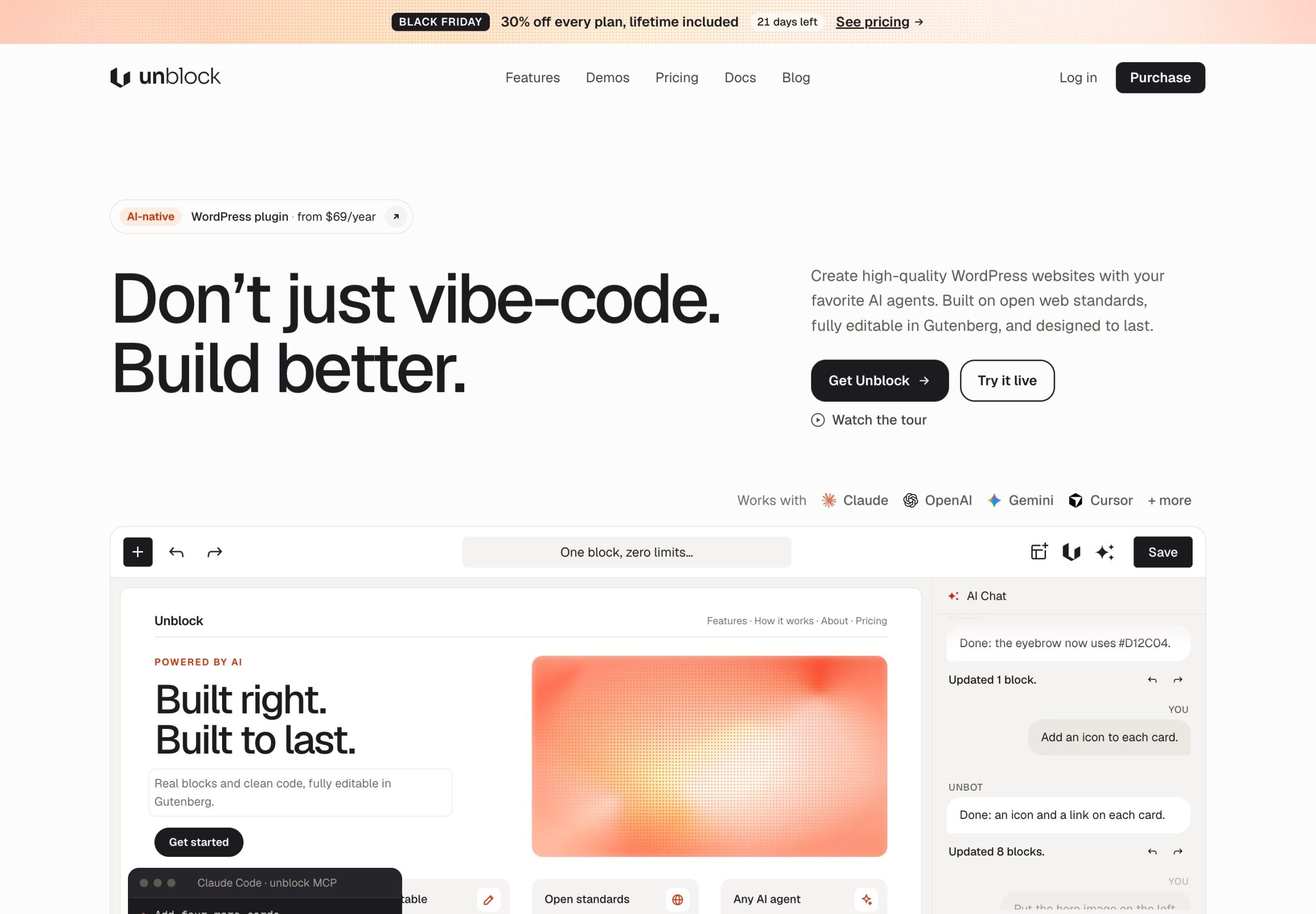
This is the part that gets Unblock attention. The built in chat, Unbot, has three agents, Builder for page structure, Designer for layout, colours and typography, and Writer for copy, plus eight skills. You can also connect outside AI clients such as Claude Code, Cursor, Codex and ChatGPT over MCP, signed in with OAuth, and they edit the site through Unblock with an approval step and a full undo history.
The pricing model is what I like most. Unblock is bring your own key: you connect OpenAI, Anthropic or another provider through WordPress's own AI connectors and pay that provider directly. There are no credits to buy and no AI subscription on top of the licence. If you never want AI, you can switch it off and build entirely by hand.
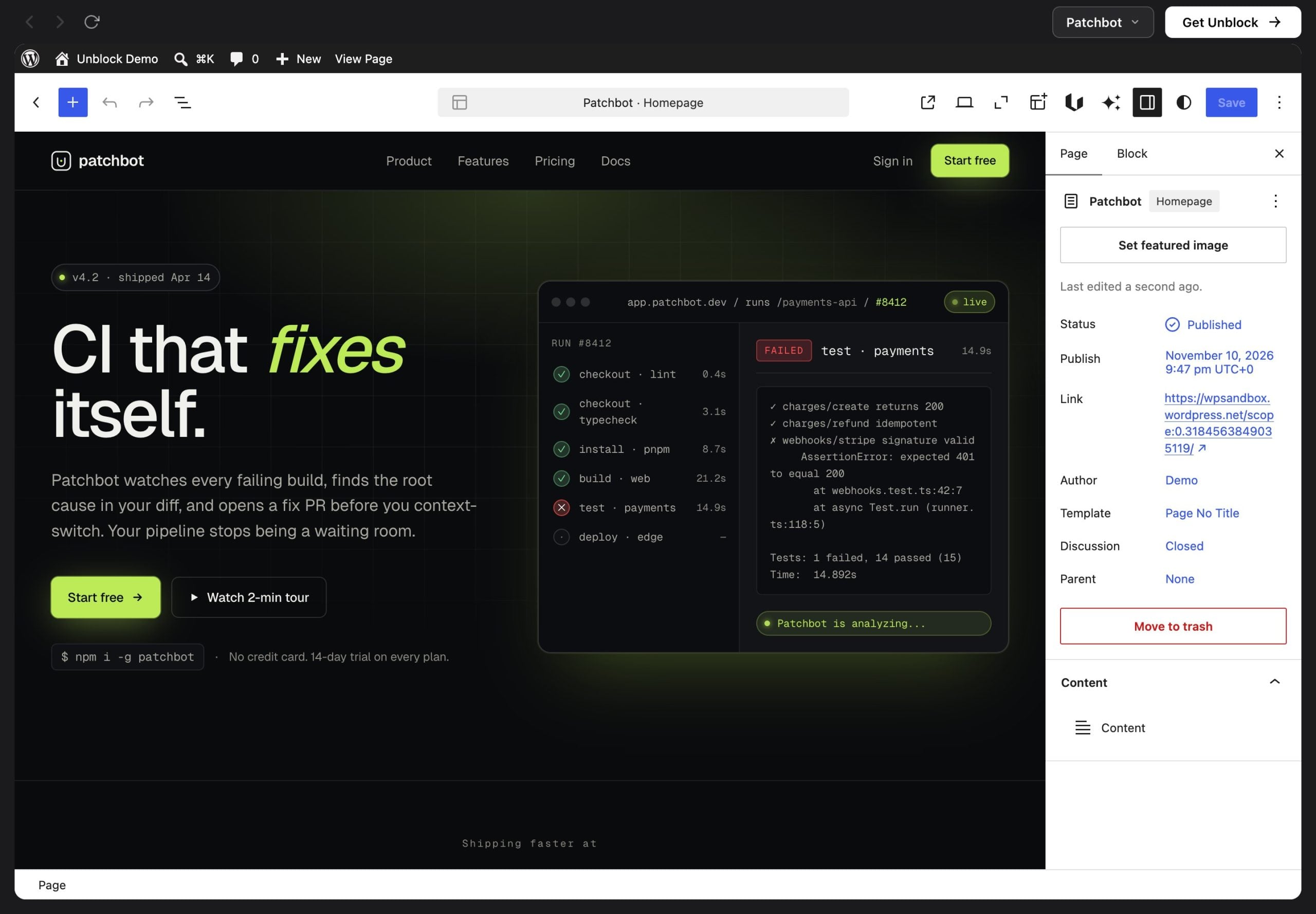
You can see all of this before paying. The Unblock live demo boots a full WordPress site in your browser with a landing page built in Unblock, so you can click into the blocks, the style panel and the AI chat yourself.
If you read about Unblock during the beta, a lot has moved since. The Unblock changelog shows a steady run of release candidates through the autumn:
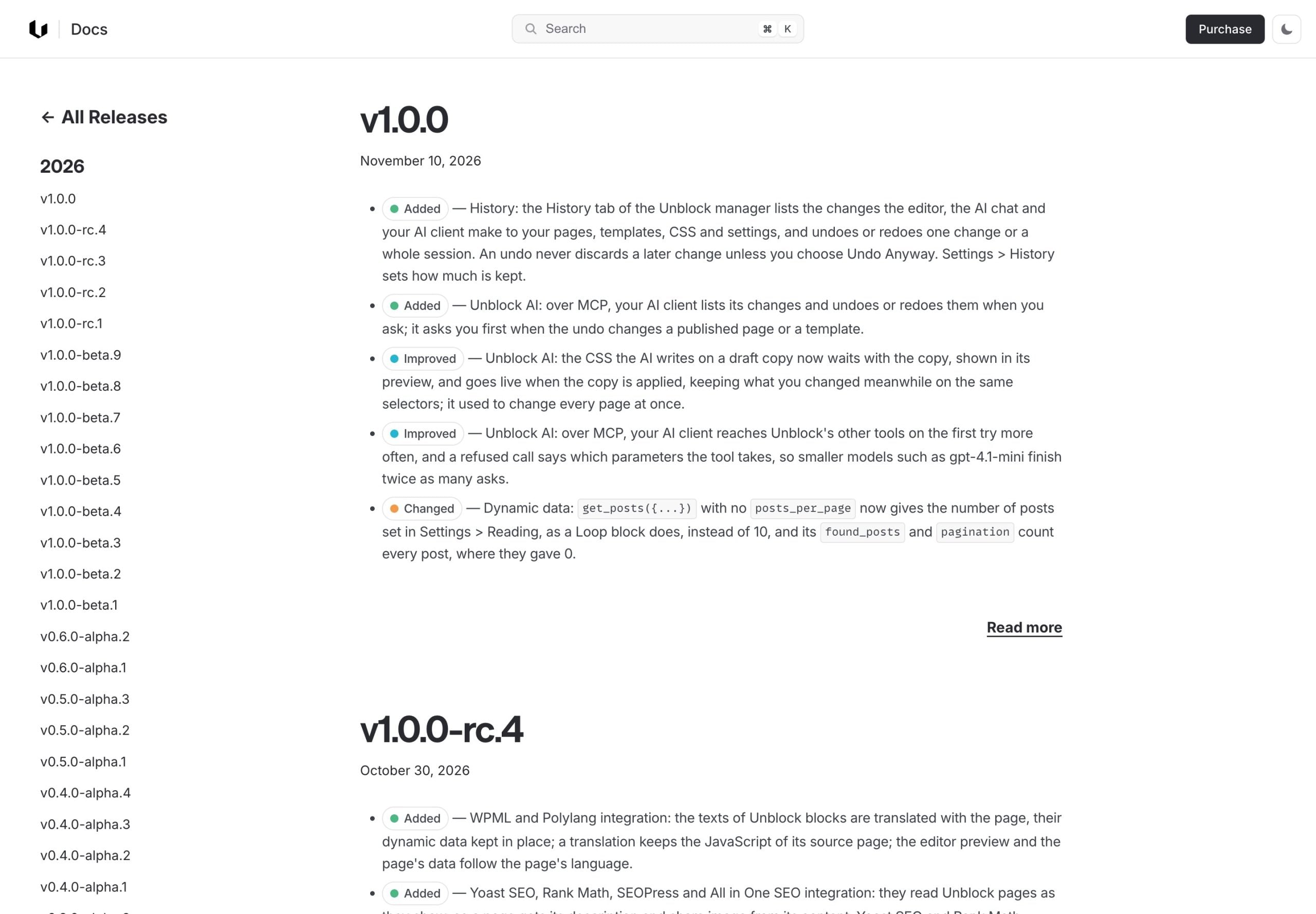
Two security fixes in the release candidates do not worry me. Finding and fixing them before 1.0, in public, is exactly what a beta is for. It does mean you should keep Unblock updated like any plugin that runs code at render time.
Unblock is a strong product, but it is not for every site, and a few of its limits matter more than the discount.
Pages built with Unblock blocks are rendered by Unblock. When WebTNG tested an early build, Unblock sections disappeared from the front end once the plugin was deactivated, the same lock in you accept with any page builder. Core blocks you nest inside stay ordinary core blocks, but plan on Unblock staying installed for the life of any site you build with it.
Buy it if you are comfortable thinking in HTML and CSS classes, you build custom layouts or dynamic templates for clients, or you want to hand a site to an AI agent and still give the client something they can edit in plain Gutenberg. For that kind of work the Lifetime plan is excellent value.
Skip it if you just want nicer blocks for blog posts, or you prefer clicking through preset options to writing selectors. A conventional block plugin is a better fit there. Kadence Blocks is the one I use on this site, and my Kadence Blocks free vs Pro breakdown shows how far the free version goes. If you are still deciding whether to leave a classic page builder at all, start with my Gutenberg vs page builders guide.
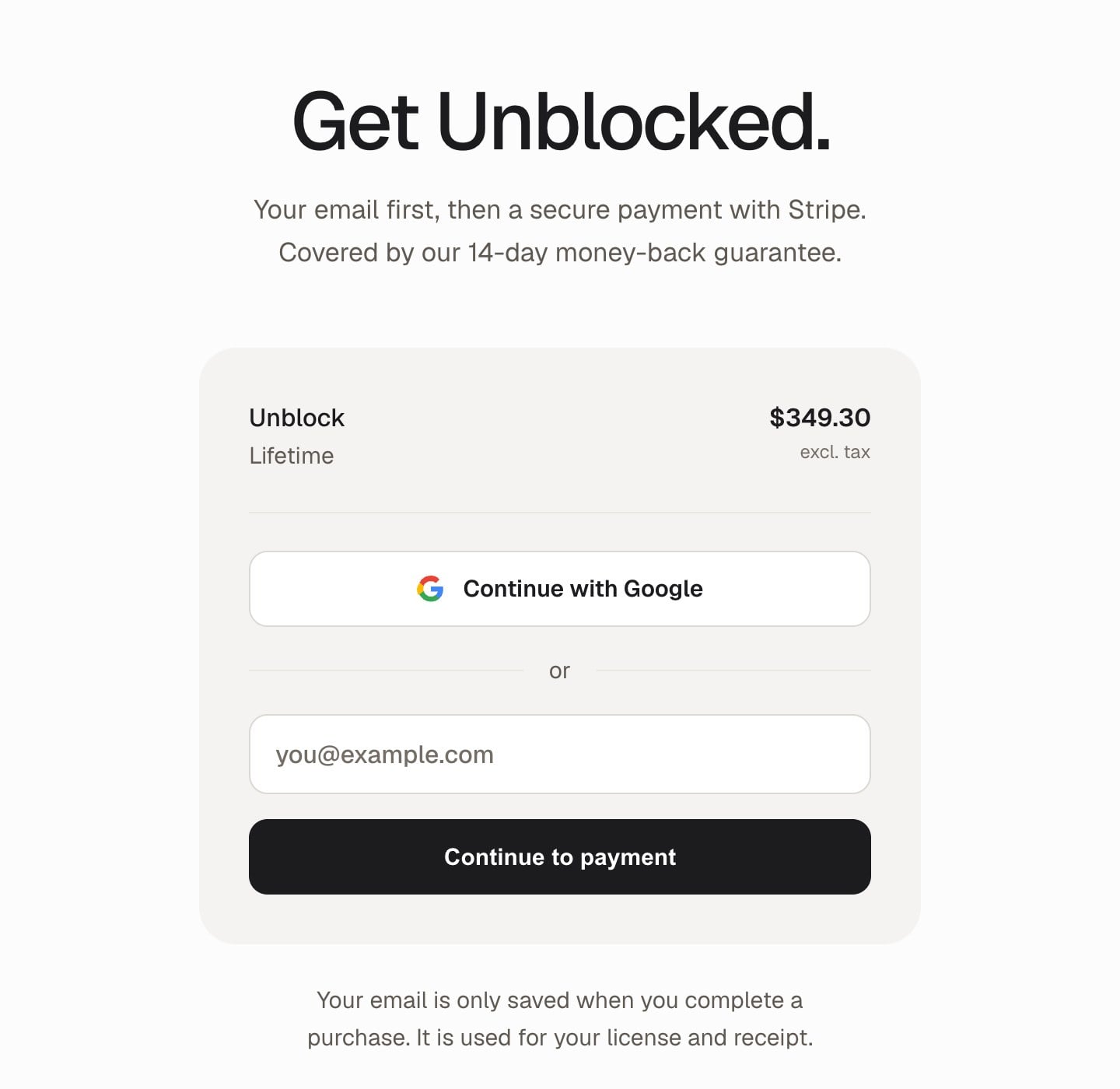
If it is not for you, email Unblock within 14 days for a full refund. The guarantee covers every plan, Lifetime included.

Lifetime is $349.30 once for 1,000 sites, and the yearly plans start at $48.30. The discount applies automatically and ends on 1 December.
Yes. Unblock is running 30% off every plan, the lifetime licence included, until 1 December.
No. The discount is applied automatically on the pricing page and at checkout. There is no coupon field.
$349.30 once instead of $499, for up to 1,000 sites with lifetime updates and priority support.
Unblock describes the lifetime licence as available for a limited time only, so it may not come back once it is withdrawn.
No. There is no free version or free trial, but you can use the live demo and every plan has a 14 day money back guarantee.
The assistant is included in every plan. You connect your own AI provider with an API key and pay that provider directly for usage, with no credits or markup from Unblock.
WordPress 6.7 or newer with the block editor and PHP 8.1 or newer, with PHP 8.2 recommended. It does not work with the Classic Editor.
Your sites keep working. You lose updates, new features, the AI assistant and support until you renew.
Unblock is made by Loïc Blascos, the developer behind WP Grid Builder. Version 1.0 was released on 10 November 2026.
Disclosure: I earn a commission if you buy Unblock through the links on this page, at no extra cost to you. Prices were checked on the Unblock pricing page and checkout on 4 November 2026. You can read exactly how I test, verify and update everything on this site.